Fig. 0 — hero hover the headline
Measure.Inspect.Copy.
A free Chrome extension that draws sizes, spacing, distances and colors right on the page, and reads you the computed CSS. No account. No trial. No Pro tier.
100% free, forever.
Fig. 1 — Lidar on a dashboardReal recording 27 s
- Measure
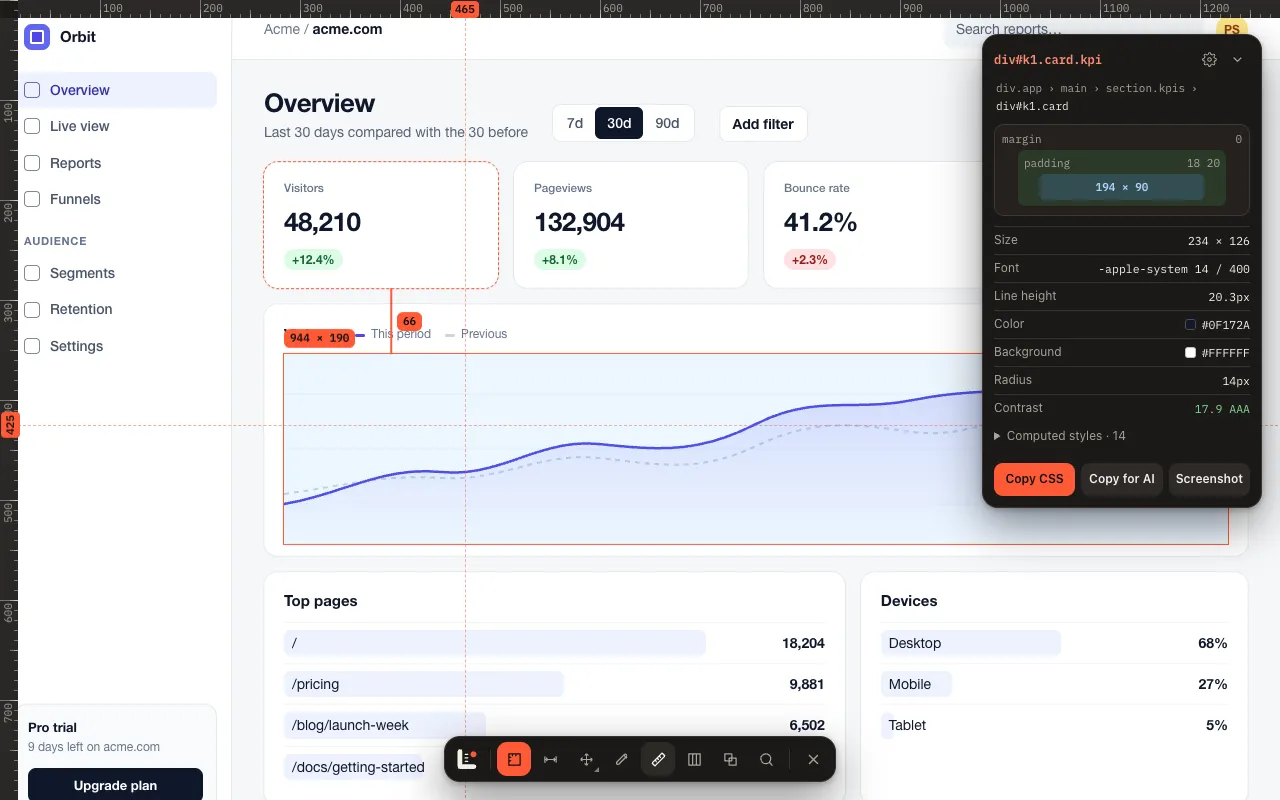
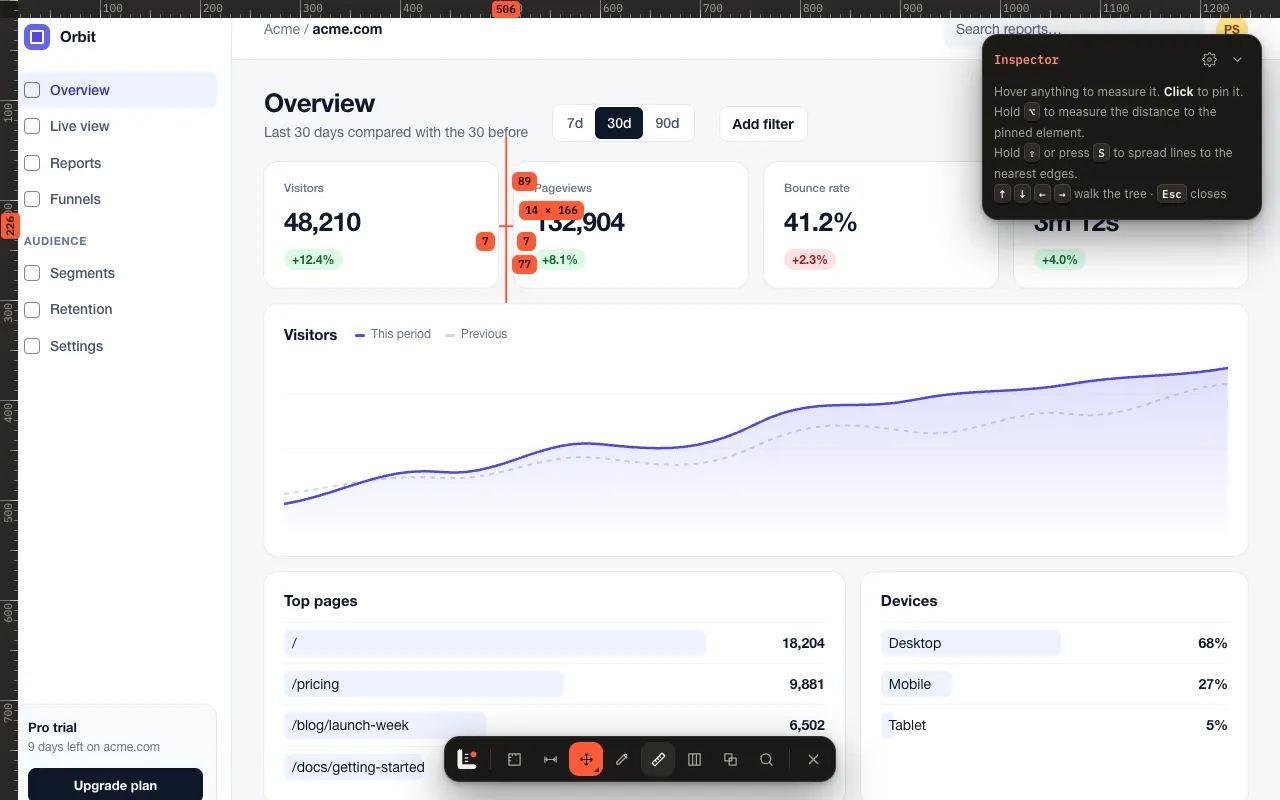
- Size, padding and margin of whatever you hover. Pin one, hold Alt, read the distance to the next.
- Shortcut: M · D
- Rulers & Spread
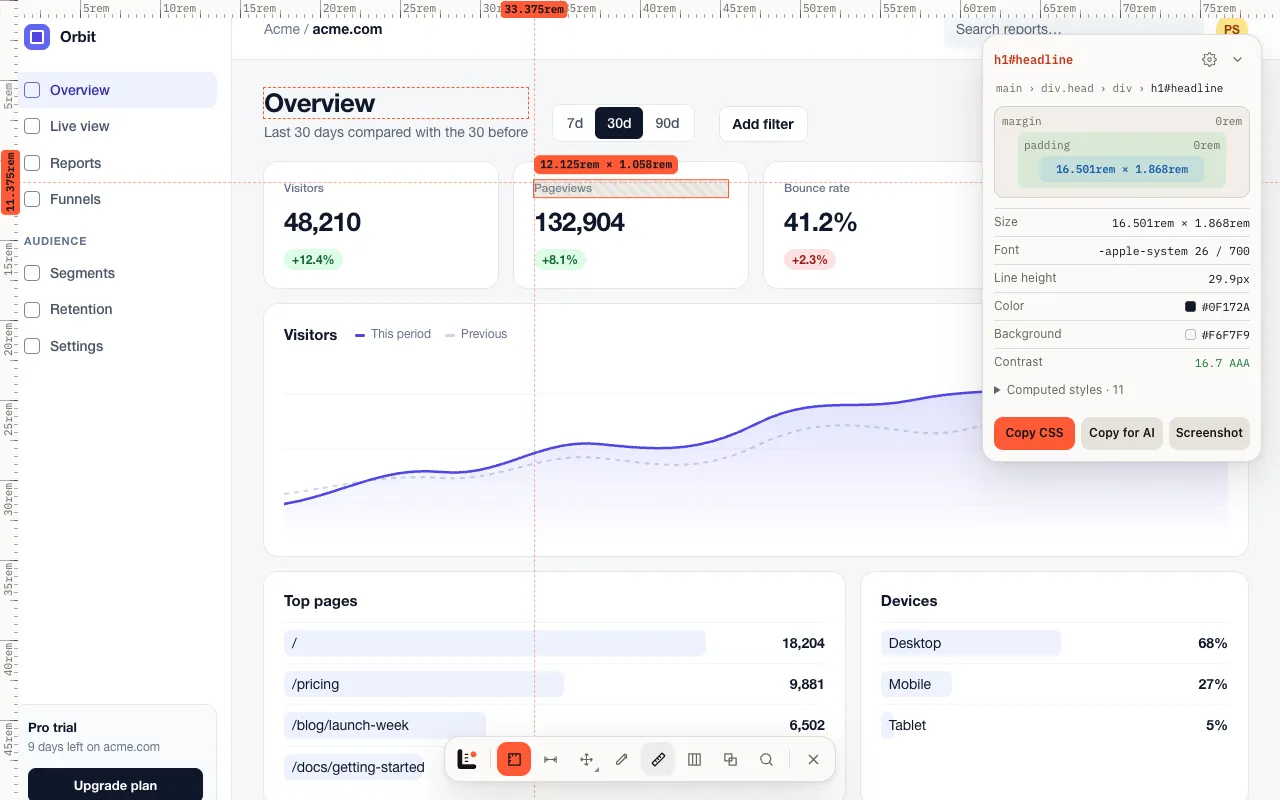
- Numbered rulers with your cursor marked. Spread shoots lines to the nearest edge, visual or layout. Pixels or rem.
- Shortcut: R · S
- Inspect
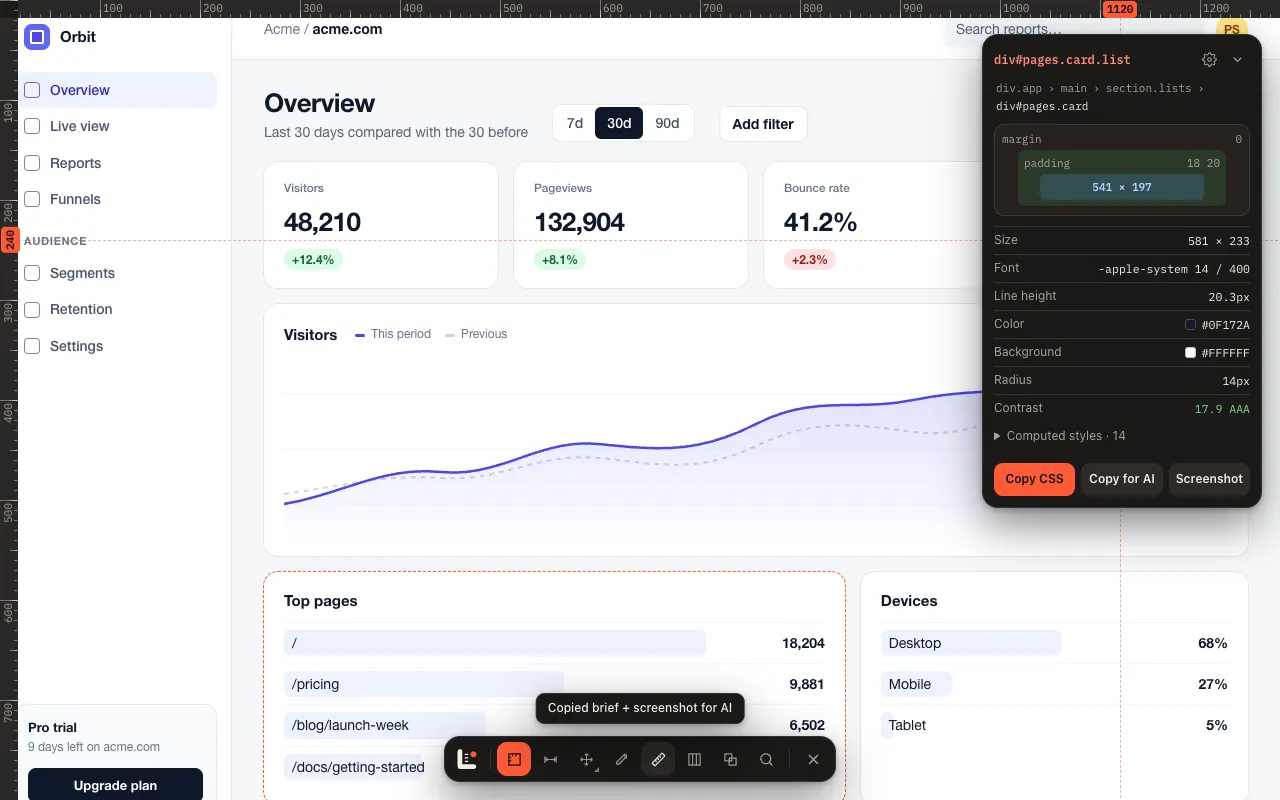
- Box model, font, colors, computed styles and a WCAG contrast grade. Arrow keys walk the DOM, into iframes and web components.
- Shortcut: ← ↑ → ↓
- Copy
- Any value in one click. A ready CSS rule, a crisp element screenshot, or a markdown brief for your AI coding tool.
- Shortcut: C
Every feature.Zero dollars.
“I got sick of being forced to pay for tools developers shouldn’t have to pay for. So I made my own.”
Not included: accounts, paywalls, analytics, tracking.
Fig. 2 — The tools
Roadmap → every release free
now: v1.1 next: v2.0v1.0Shipped Oct 2
- Measure & distances
- Spread
- Rulers
- Inspector
- Copy for AI
- Color picker
v1.1Shipped Oct 8
- Flex & grid overlays
- Column grid
- Breakpoints
- X-ray
- Find by selector
v2.0Planned
- Live CSS editor
- Tailwind export
- Design-token export
- Accessibility audits
- SEO audits